
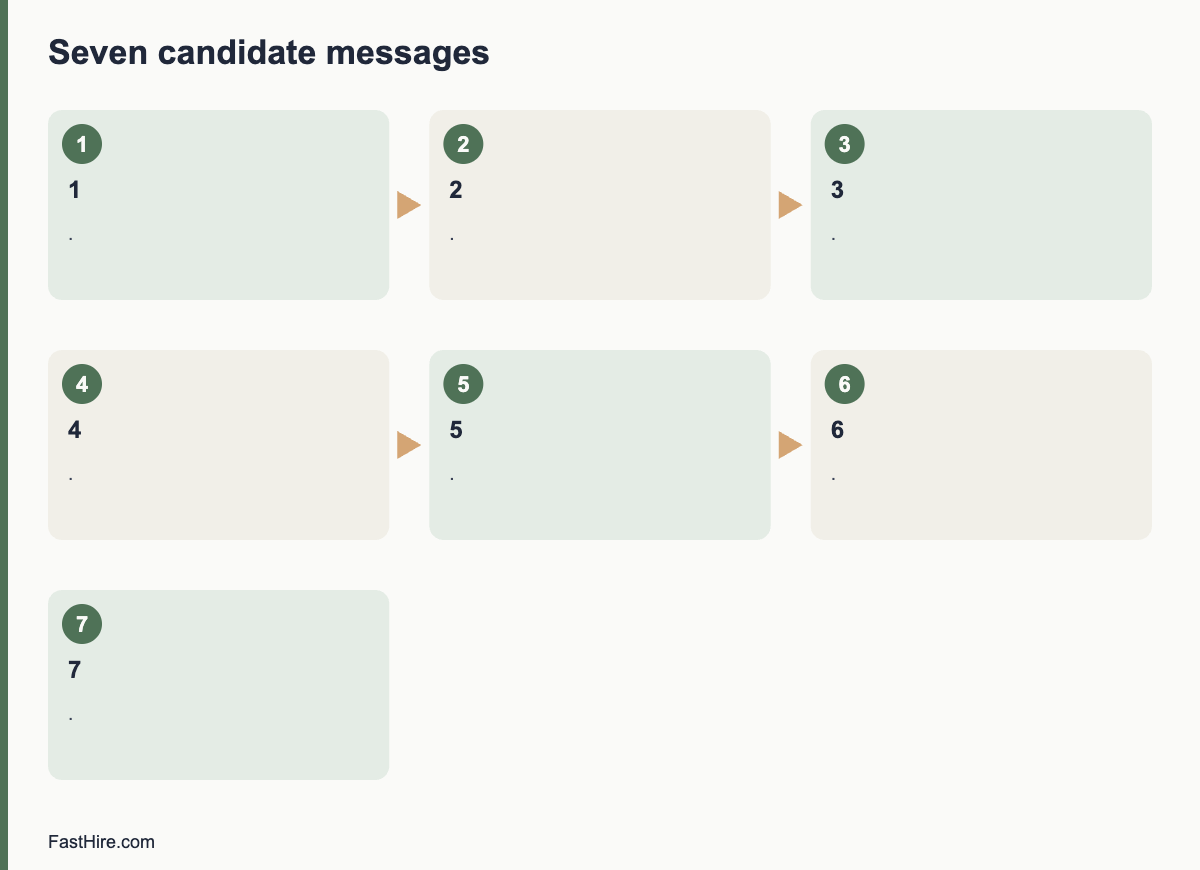
Update candidates at every point where their status changes, and at least once a week when nothing changes during an active process. A good cadence has seven messages: acknowledgement, screening outcome, interview invitation, post-interview status, decision, offer or decline, and a final close-out. State the next date in every message, and send it on that date or earlier.
Key takeaways
- Send a message whenever the status changes, and every five to seven days when it does not.
- Put the next update date in each message, and keep it.
- Use templates for speed and personal details for warmth.
- Send a clear outcome to every candidate, including those who are declined early.
- Track messages in your tracking system so that no one falls through the gap.
Why cadence matters
Candidates cannot see your process. They only see messages and silence. When there is silence, they guess: the role is filled, they were rejected or the company is disorganised. Regular short updates remove the guessing, even if the news is “no change yet”. They also reduce the number of status emails you receive, which saves your time.
A cadence is a plan for when you write, not a promise to share every detail. You decide the points in advance, and you tie them to dates. This is part of the candidate experience described in our candidate experience checklist.
The seven-message cadence
| No. | Message | When to send | What to include |
|---|---|---|---|
| 1 | Acknowledgement | Within minutes or hours of the application | Thanks, closing date, next update date, how to ask for adjustments |
| 2 | Screening outcome | Within 2 working days of the screening date | Invite to the next step, hold or decline |
| 3 | Interview invitation | Same day as the decision to invite | Dates, format, people, length, preparation, adjustments |
| 4 | Post-interview status | Same or next day after the interview | Thanks, the date by which you will reply |
| 5 | Decision | On or before the promised date | Next step, offer, or decline with reasons for finalists |
| 6 | Offer or close-out | Same day as the decision | Call first for offers, then letter. For declines, a kind message |
| 7 | Final close-out | When the role is filled | Tell all remaining candidates that the role is filled; ask for consent to keep their details |
This cadence fits most processes. Add a message if your process has extra steps such as a work sample or a panel. See how to give fast interview feedback for message wording after interviews.
The “no news” update
When nothing has changed, a short message still helps. Send it every five to seven days to candidates who are in the middle of a process. Do not send it to candidates who have received a clear outcome. A “no news” update has three parts: what is happening, what the candidate does not need to do, and the next date.
Hello [Name],
A short update on your application for [job title]. We are still [finishing the interviews / waiting for a decision]. There is nothing you need to do. We expect to contact you by [date]. If your situation changes, for example if you receive another offer, please let us know so that we can plan.
Best wishes,
[Name]
Do not add false urgency, and do not hint at an offer that you have not decided to make. Honest, calm updates build trust.
Template library
1. Acknowledgement
Hello [Name],
Thank you for applying for [job title]. We have your application. Applications close on [date]. We will contact everyone by [date] with a clear next step. If you need any adjustment to our process, please reply to this message.
Best wishes,
[Name]
2. Invitation to a screening call
Hello [Name],
Thank you for your application. We would like to arrange a 20-minute call to talk about the role. These times are available: [list]. Please reply with the time that suits you. The call will be by [phone/video]. If you would like any adjustment, tell us and we will arrange it.
Best wishes,
[Name]
3. Decline after screening
Hello [Name],
Thank you for your interest in [job title]. We reviewed your application against the requirements for the role. We will not move forward at this stage. We appreciate your time and wish you well in your search.
Best wishes,
[Name]
4. Post-interview thanks and date
Hello [Name],
Thank you for meeting us today. We enjoyed hearing about [specific point]. We are speaking to other candidates this week, and we will contact you by [date] with a decision.
Best wishes,
[Name]
5. Role filled
Hello [Name],
Thank you for your interest in [job title]. The role has now been filled. We valued your time and your application. If you would like us to keep your details for future roles, please reply “yes” and we will keep them for [period] and then delete them.
Best wishes,
[Name]
How to schedule and track
- Add a “next update due” date for every active candidate in your tracking sheet or system.
- Sort by date each morning. Send what is due.
- Use mail merge or system templates for acknowledgement and decline messages, and personalise the first line.
- Record the date and type of each message.
- Review the sheet each Friday for candidates who have not heard from you in five days.
If you use an applicant tracking system, check whether it can set reminders and send templates. Keep control of the content. A human should approve declines for finalists. If you use automation, tell candidates that a status message is automatic and give a way to reach a person.
Common mistakes
| Mistake | Effect | Fix |
|---|---|---|
| Updating only when there is good news | Candidates assume the worst | Send “no news” updates |
| Promising a date and missing it | Loss of trust | Promise only what you can keep; if you miss it, say so with a new date |
| Using the same wording for everyone, including finalists | Feels cold | Personalise finalists |
| Not telling candidates when the role is filled | Candidates wait for weeks | Send a close-out message |
| Including protected-trait comments | Legal risk | Keep to job-related facts |
| Sending messages at odd hours | Pressure | Schedule for working hours |
A worked example (fictional)
This example is invented. A recruiter runs a search for a project manager. On Monday she posts the job and sets the closing date for the 21st. Every applicant receives message 1 within an hour. On the 22nd she screens and sends outcomes on the 23rd: 12 invitations and 38 declines. On the 24th and 25th she runs 12 calls. On the 26th she sends interview invitations to five people and declines to seven, each with a short reason for those who had a call. Interviews run on the 29th and 30th. After each interview she sends message 4 with the date of 3 November. On 2 November, with a day to spare, she sends a “no news” update to two people still waiting on a second round. On 3 November she calls the chosen candidate and sends the offer. She sends decline messages to the other four finalists the same day, with two specific reasons each. On 5 November the candidate accepts, and she sends message 5 to the remaining candidates. Total time spent on messages: about three hours across the search, because she used templates.
Data protection notes
Messages to candidates contain personal data. Keep them in your tracking system or a secure folder, delete them when no longer needed, and do not send sensitive information by unsecured channels. In the UK and EU, tell candidates how you use their data in your privacy notice. See the ICO employment guidance. If you keep candidate details for future roles, get consent and say how long you will keep them. This is general information, not legal advice.
Adjusting the cadence to your volume
The same plan does not fit every volume. Adapt it to the number of candidates and the time you have.
| Volume | Approach | Notes |
|---|---|---|
| Under 20 applicants | Personal messages for every stage | Easy to keep warm; use templates for speed |
| 20 to 100 applicants | Templates with a personal first line for finalists | Use mail merge in your email or tracking system |
| 100 to 500 applicants | Automatic acknowledgement and outcome messages; personal messages for interviewed candidates only | Review the automatic text carefully. Include a way to reach a person |
| More than 500 applicants | Automated status page or messages for early stages; personal contact for shortlisted candidates | Plan the screening process first. See screening at volume |
For high volume, set expectations in the ad: “Due to the number of applications, we will contact only those selected for an interview” is an honest sentence, but a better one is “We will send every applicant an outcome by [date]”. If you can send an outcome to all, do so. A short, courteous automatic message is better than nothing.
What to do when your timeline changes
Timelines slip. A manager gets ill, a decision waits for approval, an interview must be moved. When this happens, tell the candidates at once. Use three elements: what changed, the new date and a thanks for patience. Do not hide a delay until the date has passed. If the new date is unknown, say when you will next write, for example “We will write again on Friday with an update”. People accept delays when they are told in time.
Candidates who write to you
Some candidates will write to ask for news, even with a good cadence. Reply within one working day with the facts you have. If there is nothing new, say so and repeat the next date. Do not ignore the message, and do not give hints about internal discussions. Keep a log of questions you receive. If the same question appears many times, add the answer to your ad or to your acknowledgement message.
Review the cadence after each search
- How many status enquiries did you receive? Fewer is better.
- Did you miss any promised dates? Why?
- Which messages did candidates mention positively in the survey?
- Which step still leaves people without news?
- What one change will you make for the next search?
Keep these notes with the role brief. After three searches you will have a cadence that fits your team, and it will be faster to run each time.
Ownership and backup
Name one person who owns the cadence and one person who covers when the owner is away. A cadence that depends on a single person fails during holidays and sick leave. Put the plan, the templates and the tracking sheet in a shared place, and give the backup person access. Agree what the backup does: check the “next update due” column each day and send what is due. This small step protects the promises you made to candidates and prevents silent gaps.
If you work with an agency or an outside recruiter, include the cadence in the briefing. Ask them to follow your dates and your tone, and to report the status of each candidate weekly. You remain responsible for the experience, even when someone else sends the messages.
Official sources for this topic: ICO: recruitment and selection, Acas: recruitment. These pages are maintained by the authorities and may change, so check them for the current text.
Frequently asked questions
How often should recruiters update candidates?
At each change of status, and every five to seven days during an active process even if there is no news.
What if I have no news?
Send a short message saying so, with the next update date. Silence is worse than “no news”.
Do I need to tell every applicant when the role is filled?
It is good practice. A short message ends the wait and keeps goodwill.
Can I automate updates?
Acknowledgements and status messages can be automatic. Tell candidates that they are automatic. People should write and send decisions about finalists.
What should a decline message include?
A clear result, thanks, and for later-stage candidates one or two job-related reasons. Avoid protected traits and comparisons.
Related guides
- Hiring guides for recruiters and HR teams
- Candidate experience: a practical checklist for recruiters
- How to give fast interview feedback without cutting corners
- How to reduce time-to-hire without lowering quality
- All hiring guides for employers
- How to avoid ghosting candidates: a simple service standard
- How to write a rejection email that respects candidates
This is general information, not legal advice.